• How to handle tips?

    • Index
    • Applications
      • Accounting
      • CRM
      • Sales
      • Discuss
      • Purchase
      • Inventory
      • Point of Sale
      • Project
      • Odoo Online
      • Website
    • Configuration
    • Adding a tip

    Edit on GitHub

    Configuration

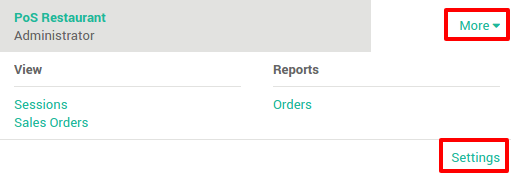
    From the dashboard, click on More ‣ Settings.

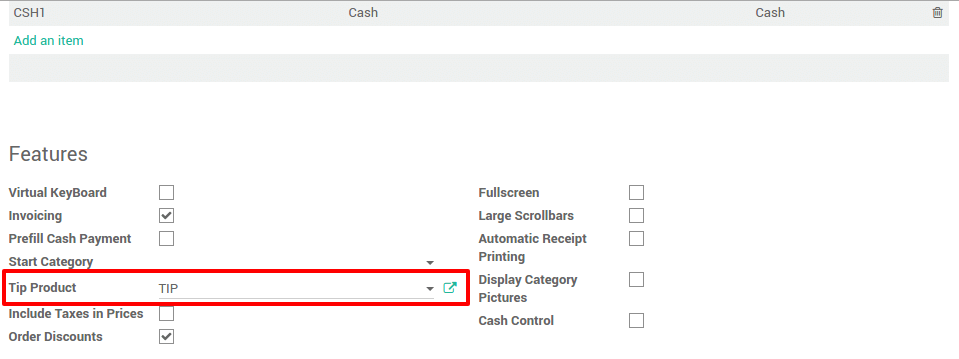
    Add a product for the tip.

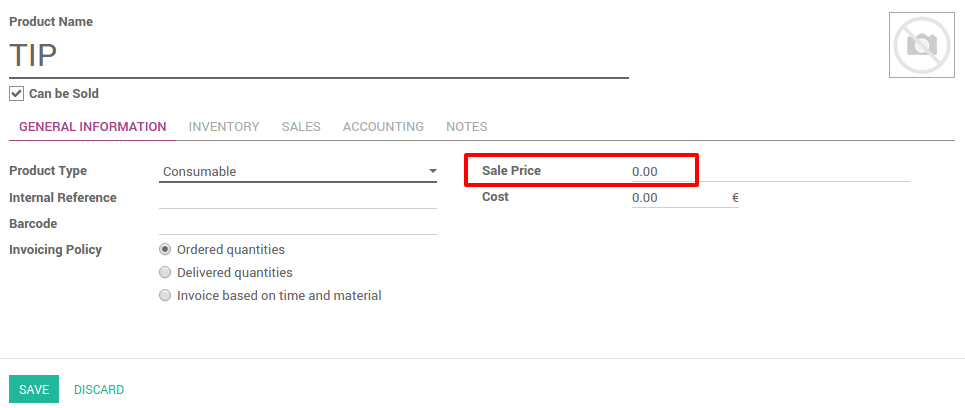
    In the tip product page, be sure to set a sale price of 0€ and to remove all the taxes in the accounting tab.
    Adding a tip

    On the payment page, tap on Tip
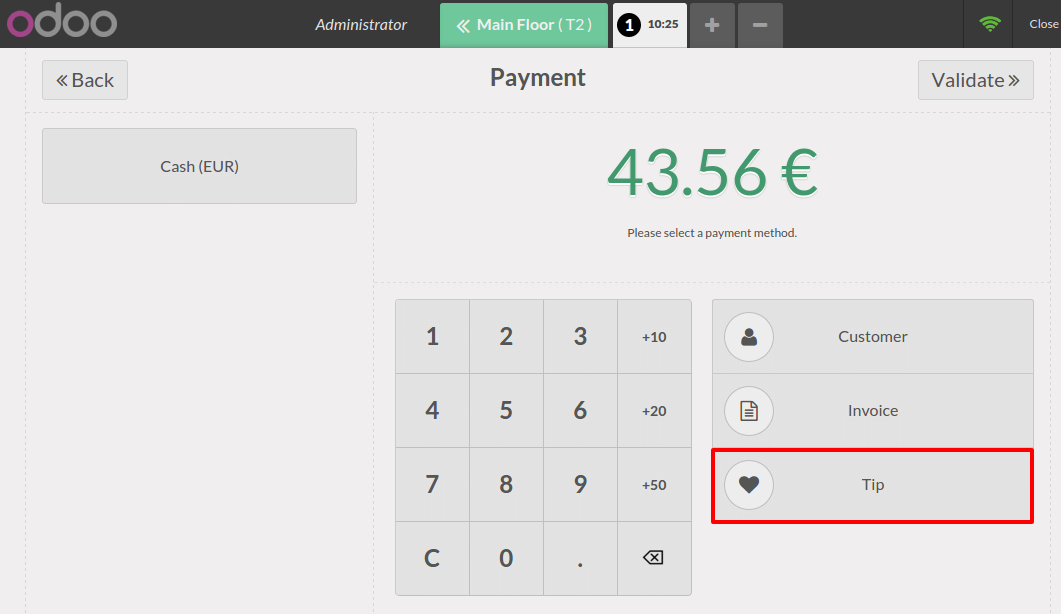
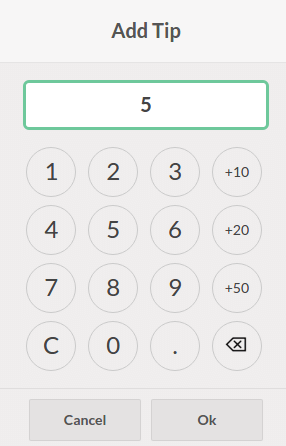
    Tap down the amount of the tip:
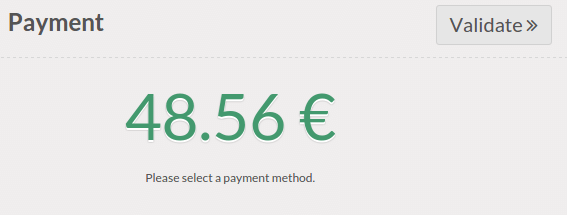
    The total amount has been updated and you can now register the payment.
    See also

    • How to set up cash control?
    • How to invoice from the POS interface?
    • How to return and refund products?
    • How to apply Time-limited or seasonal discounts?
    • Cras justo odio
    • Dapibus ac facilisis in
    • Morbi leo risus
    • Porta ac consectetur ac
    • Vestibulum at eros